How to Use Your Handwriting Font in Cricut Design Space
Updated
Quick answer
To use a handwriting font in Cricut Design Space, download the font file, install it on your computer, then restart Design Space. Add a text box, open the font menu, filter by "System" fonts, and search for your font's name. It works best for cutting vinyl and iron-on; with Cricut pens, it draws the outline of each letter.
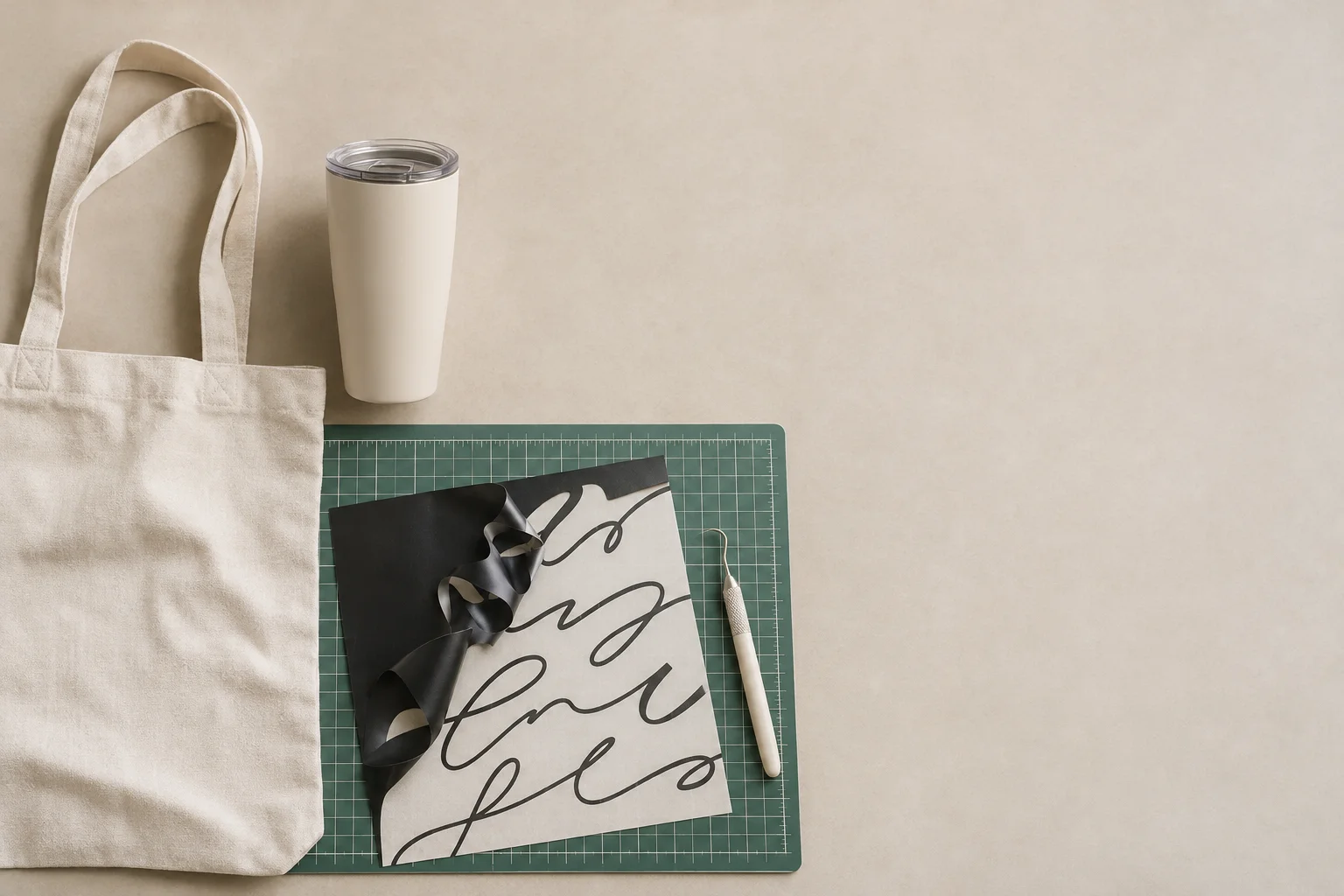
A handwriting font and a cutting machine are a perfect match: decals for a water bottle, iron-on names for a tote bag, a vinyl quote for the wall, all in someone's real handwriting. Here's how to get your font into Cricut Design Space.
Step 1: Download your font
Sign in to your Handwriting Forever account and download your font file. Save it somewhere easy to find, like your Downloads or Desktop folder.
Step 2: Install it on your computer
Cricut Design Space uses the fonts installed on your computer, so the font has to be installed there first.
On a Mac
Double-click the font file. Font Book opens and shows a preview. Click Install.
On Windows
Right-click the font file and choose Install (or Install for all users).
Step 3: Restart Design Space
Design Space only checks for new fonts when it starts. Close it completely and open it again. Skipping this step is the most common reason a font "doesn't show up."
Step 4: Find your font
- Click Text to add a text box.
- Open the font menu.
- Switch the filter to System fonts.
- Type your font's name into the search box.
Type your words, then size and arrange them like any other design.
Cutting vs. drawing: the one thing to know
Handwriting fonts are made from the outline of each letter, which matters for what you make:
- Cutting (vinyl, iron-on, cardstock): works beautifully. Each letter cuts as a clean shape.
- Drawing with Cricut pens: the pen traces the outline of each letter rather than writing a single line, so letters look hollow. For a natural look, cut instead, or use a fine pen at a small size where the outline reads as a solid line.
Tips for better cuts
- Weld your words. Letters in handwriting often overlap or touch. Select the text and use Weld so each word cuts as one piece instead of many overlapping shapes.
- Go a bit bigger. Thin strokes in a child's handwriting can be hard to weed when tiny. Start around one inch tall and adjust.
- Check spacing. Use letter spacing in the text panel to tighten or loosen words before welding.
Project ideas
- Iron-on name labels for backpacks and lunch bags
- A vinyl decal of a grandparent's signature for a recipe box
- A wall quote in your child's handwriting for their room
- Personalized water bottles and tumblers
Questions people ask
Why isn't my handwriting font showing up in Cricut Design Space?
Make sure the font is installed on your computer, then fully close and reopen Design Space. In the font menu, switch the filter to System fonts and search by name.
Can Cricut write with my handwriting font?
Pens will trace the outline of each letter, so the letters look hollow. Handwriting fonts work best for cutting vinyl, iron-on and cardstock.
Why does my text cut into lots of overlapping pieces?
Handwritten letters often touch. Select the text and use Weld so each word cuts as a single shape.