How to Use Your Handwriting Font in Canva
Updated
Quick answer
To use a handwriting font in Canva, upload the OTF file to your Brand Kit under Brand fonts, then pick it from the font menu in any design. Uploading fonts requires Canva Pro, Teams, Enterprise or Nonprofit. On a free Canva plan, you can't upload fonts, so make the design in the Handwriting Forever shop instead.
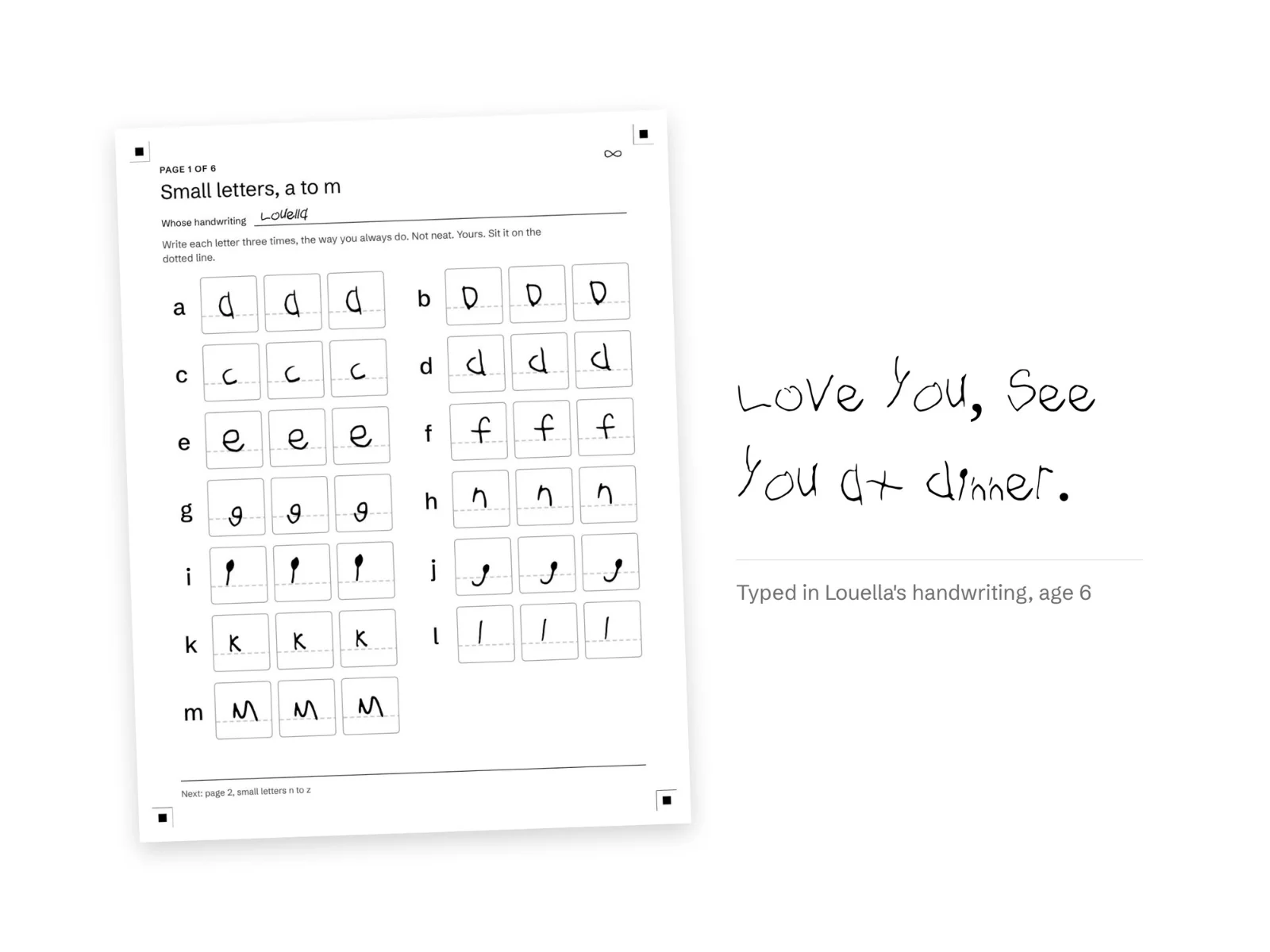
Canva is where a lot of families make their invitations, holiday cards and party signs. With your handwriting font in Canva, every one of those can be in your child's or your parent's real handwriting.
What you need
- Your font file. Your download includes OTF, TTF and WOFF2 versions. For Canva, use the OTF file.
- A Canva plan that allows uploads. Uploading your own fonts works on Canva Pro, Teams, Enterprise and Nonprofit. The free plan doesn't allow font uploads.
How to upload your font to Canva
1. Open your Brand Kit
In Canva, go to Brand (sometimes shown as Brand Kit) from the home screen.
2. Upload the font
Find Brand fonts and choose Upload a font. Select the OTF file from your download. Canva will ask you to confirm you have the right to use the font. You do: it's your family's handwriting.
3. Use it in a design
Open any design, add a text box, and open the font menu. Your uploaded font appears under your brand fonts at the top of the list.
Tips for better results
- Size up. Handwriting, especially a child's, reads best a little larger than a typical typeface. Try it at least 30 points for headlines.
- Give it room. Handwritten letters look best with extra line spacing. Increase it in the spacing settings.
- Pair it with a plain font. Use the handwriting for the heartfelt line ("We love you, Grandpa") and a simple font for details like dates and addresses.
- Keep the message short. A few handwritten words carry more feeling than a full paragraph.
Project ideas
- Birthday party invitations "written" by the birthday kid
- Holiday cards with a note in your child's handwriting
- A recipe card in a grandparent's handwriting
- Classroom or party signs
- Social posts and photo captions for family milestones
No Canva Pro? Use the shop
If you're on a free Canva plan, make the piece in the Handwriting Forever shop instead. You control the words, size and placement, and you can order prints, cards, mugs and tumblers there directly.
Other apps
The same font works on Mac and Windows in Word, Pages, Photoshop and most apps with a font menu. On iPhone or iPad, install it with a font app first. Google Docs and Google Slides don't accept uploaded fonts.
Questions people ask
Can I upload a handwriting font to Canva for free?
No. Uploading fonts requires Canva Pro, Teams, Enterprise or Nonprofit. On a free plan, make your design in the Handwriting Forever shop instead.
Which font file should I upload to Canva?
Use the OTF file from your download. Canva also accepts TTF and WOFF files.
Where does my font show up after uploading?
In any design, open the font menu. Uploaded fonts appear under your brand fonts at the top of the list.
Can I use my handwriting font in Google Docs?
No. Google Docs and Google Slides don't accept uploaded fonts. Use Word, Canva, or the Handwriting Forever shop.