How to turn handwriting into a font
Updated
Quick answer
Print the free handwriting sheets, have the person write on them for about ten minutes, then photograph each page and upload it. The font builds in about a minute and you see it before paying. Keeping it is $19, and each extra person is $15.
Most handwriting font tools are made for designers who want to sell a font. This guide is for something simpler: keeping the handwriting of a person you love, a parent, a grandparent, a partner or yourself, so you can type in it for years.
What you need
- A printer and plain white paper
- A dark pen (a black fine-tip works best)
- Ten quiet minutes from the writer
- A phone to photograph the pages
Step 1: print the free sheets
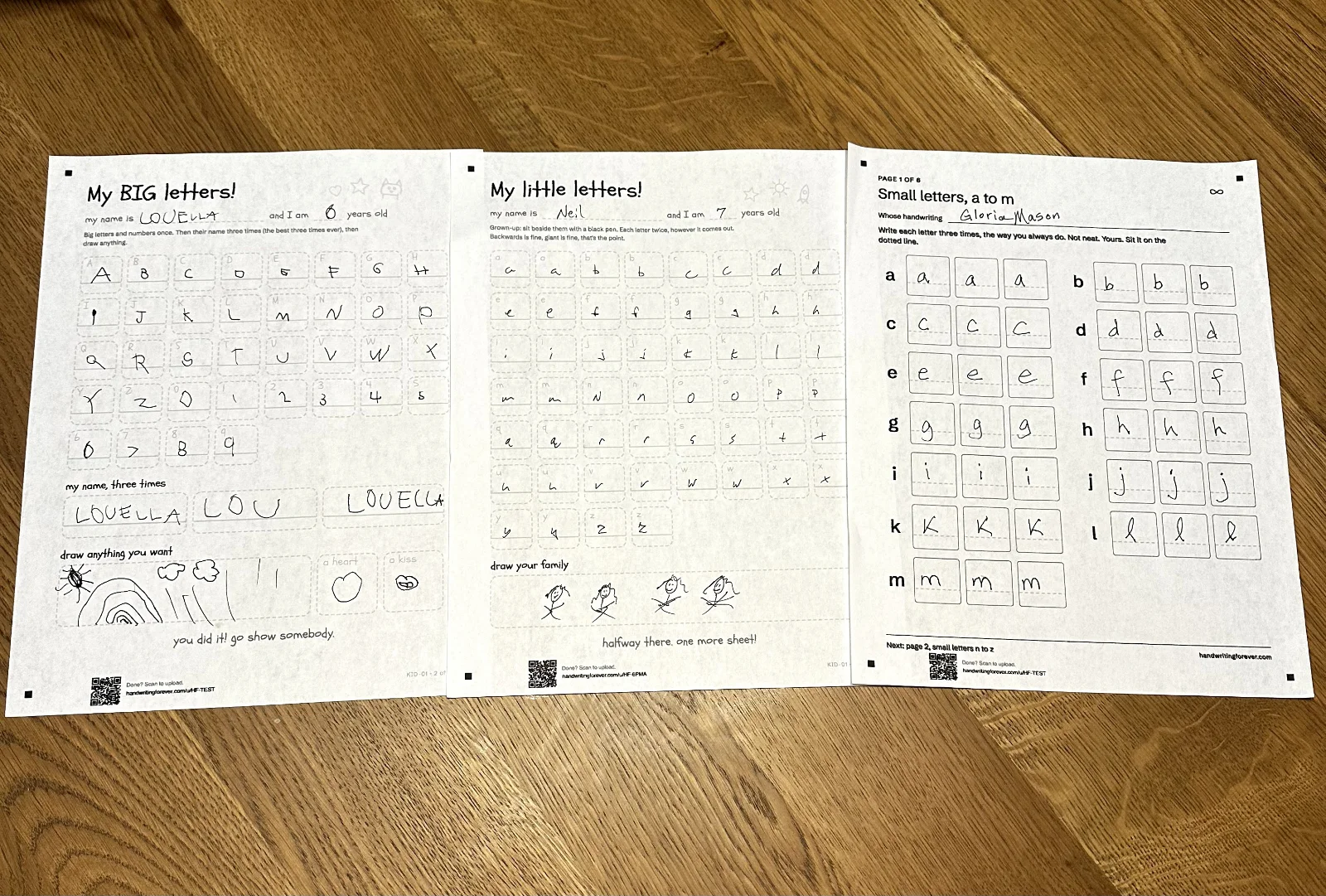
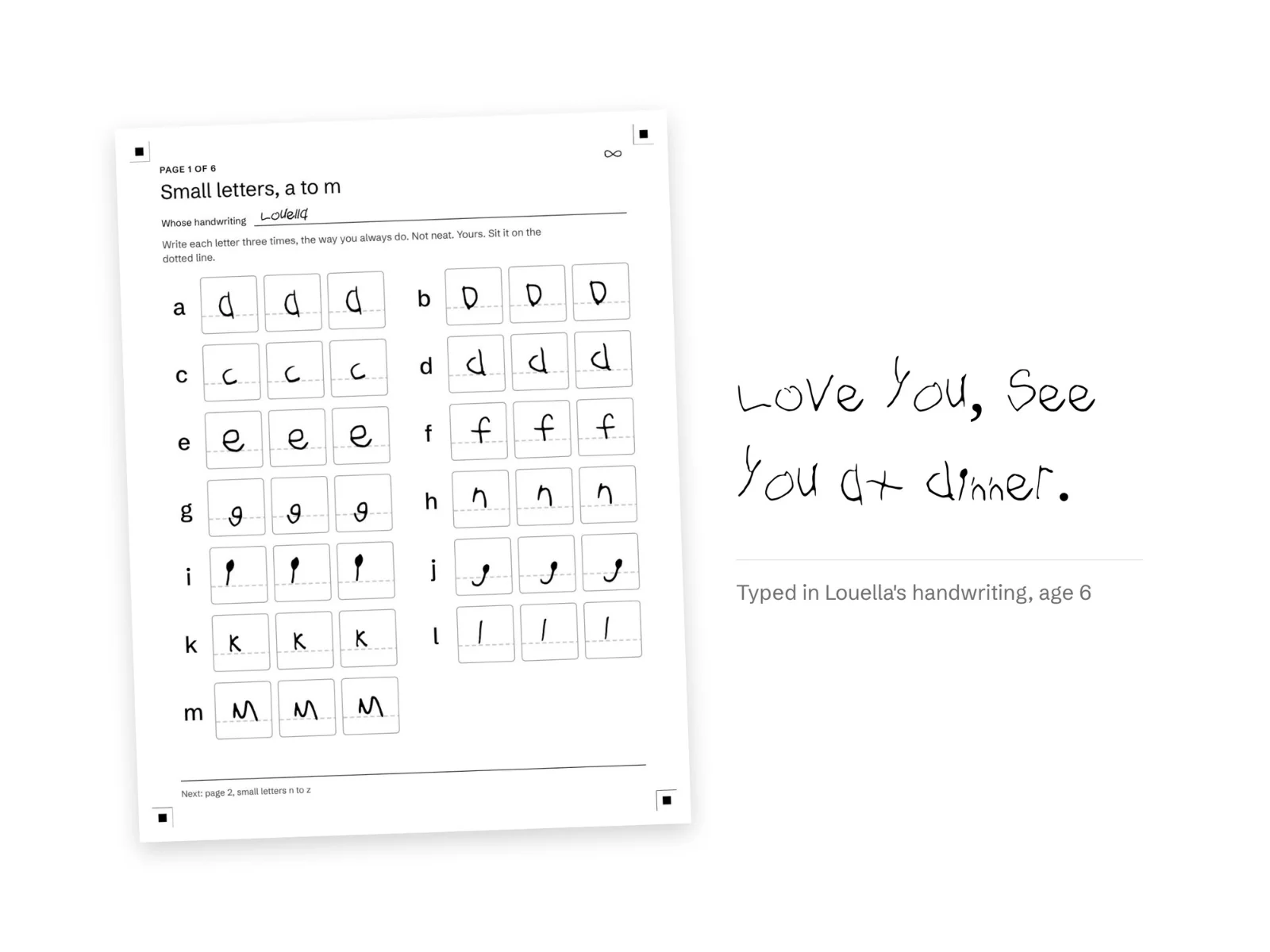
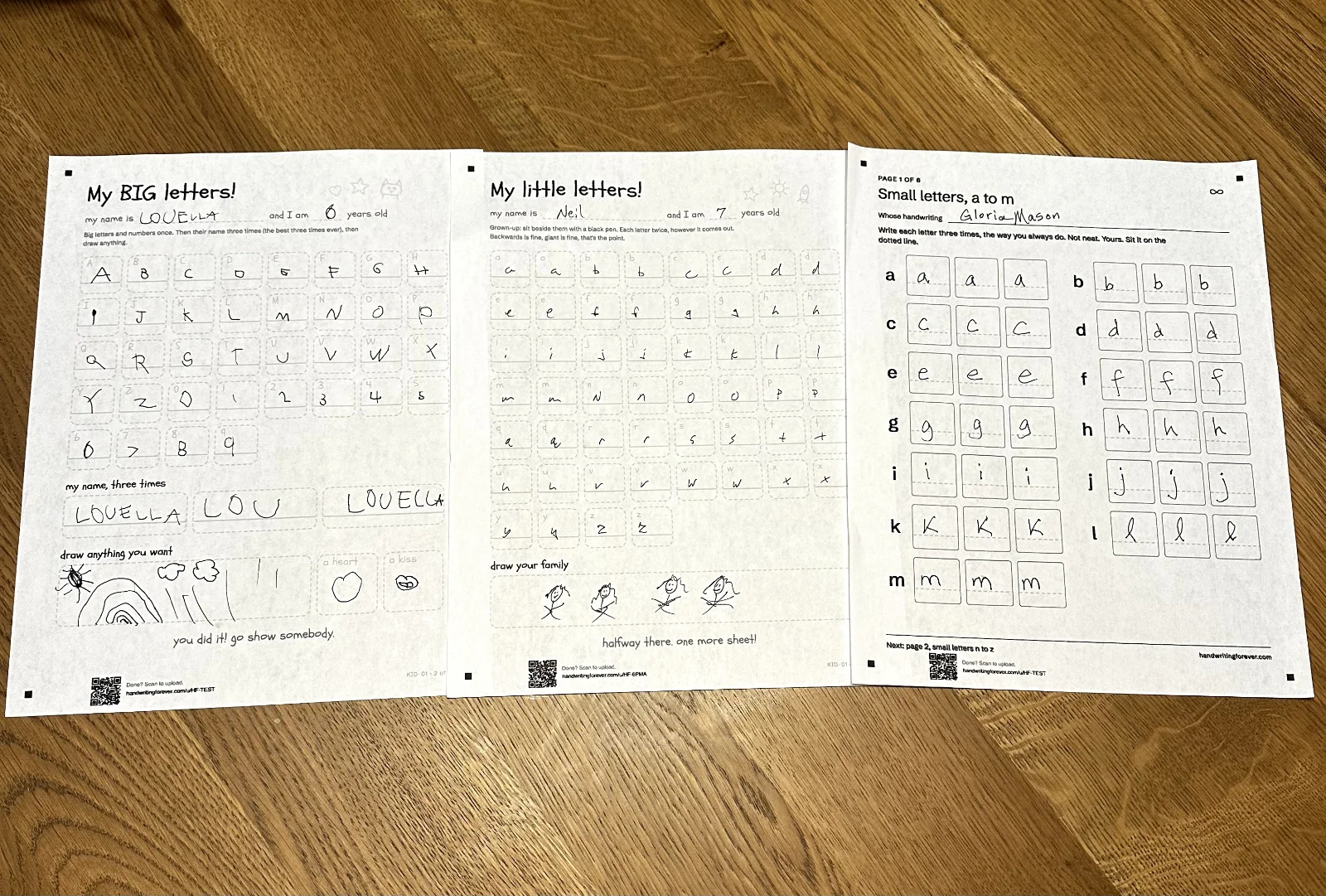
Get the free grown-up sheets. Each page has boxes for letters, numbers and marks, plus a few words and a short letter so the font picks up how they really write, not just single letters.
Step 2: let them write naturally
Ask them to write the way they always do. Don't ask for their neatest school handwriting. The little habits, a looped "l", a tall "t", are what make it theirs. Ten minutes is enough; they don't need to finish in one sitting.
Step 3: photograph each page
Lay each page flat in good daylight, with all four corner marks in the photo. The upload checks each photo straight away and tells you if a page is blurry, too dark or the wrong page, so you can retake it on the spot.
Step 4: see the font, then decide
The font builds in about a minute. You can type in it before paying anything. If you want to keep it, it's $19, and each extra person in the family is $15. If a letter didn't come out right, we fix it by hand for free.
What you can do with it
Type a note in their handwriting on any computer, put it in a card or a recipe, or have it printed on a mug, a towel or a framed print in the Shop.
Questions people ask
Can I turn someone else's handwriting into a font?
Yes, with their permission. They write on the free sheets for about ten minutes and you upload the photos.
How much does it cost?
Starting is free and you see the font first. Keeping it is $19, and each extra person is $15.
Do I need a scanner?
No. Phone photos work. Each photo is checked as you upload it.
Will it work in Word, Google Docs and on a Mac?
You get standard font files you can install on Mac and Windows and use in most apps that let you add fonts.